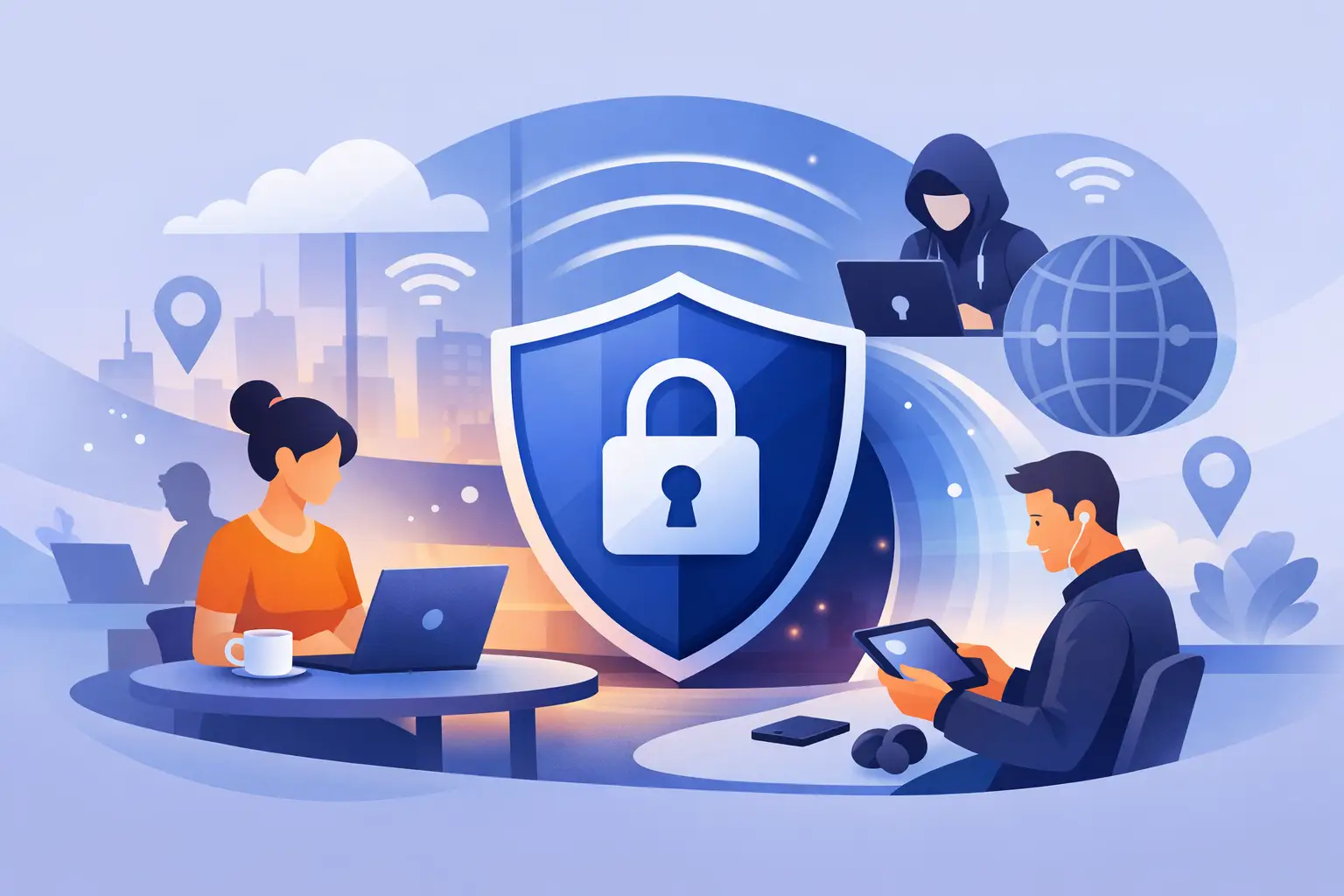
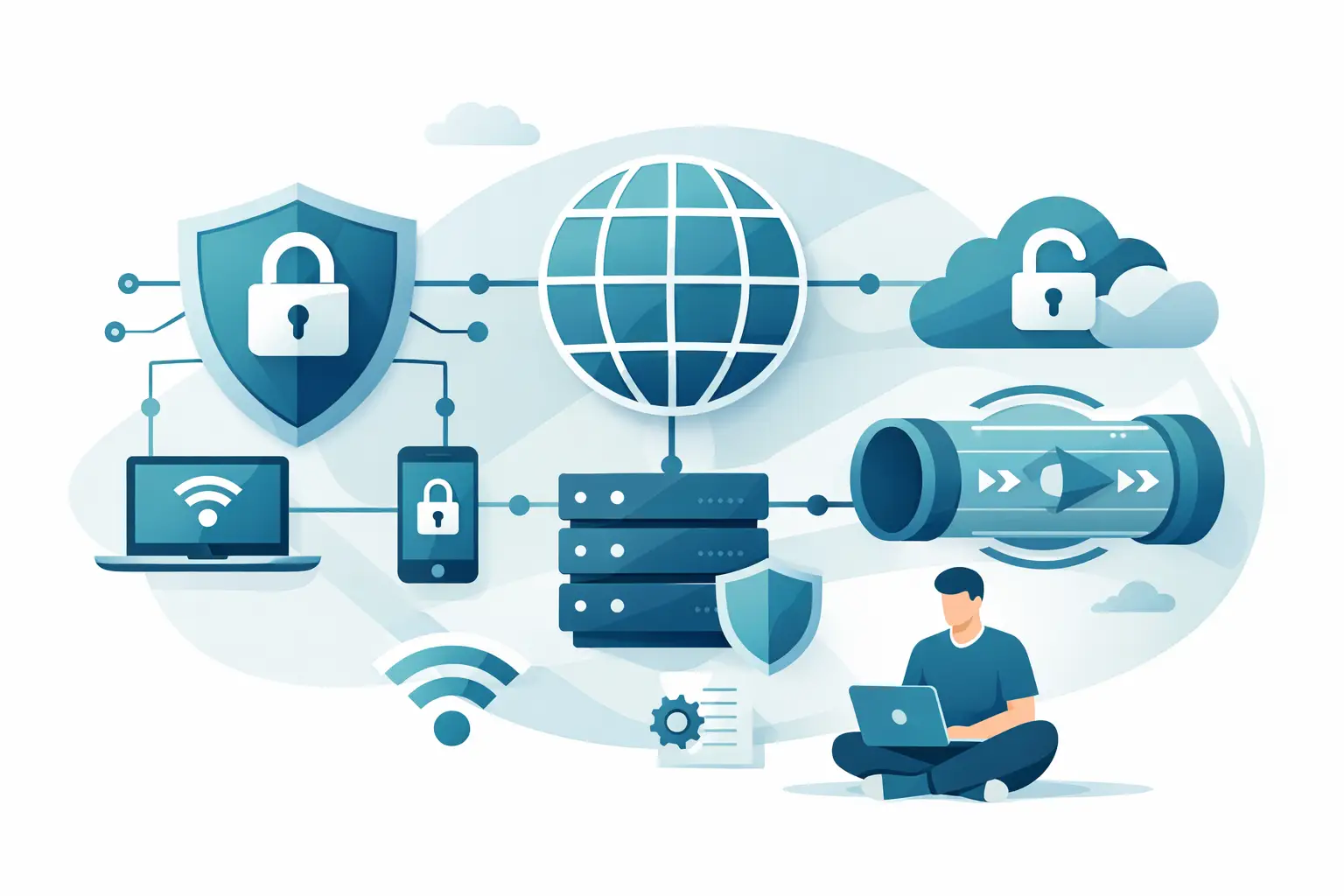
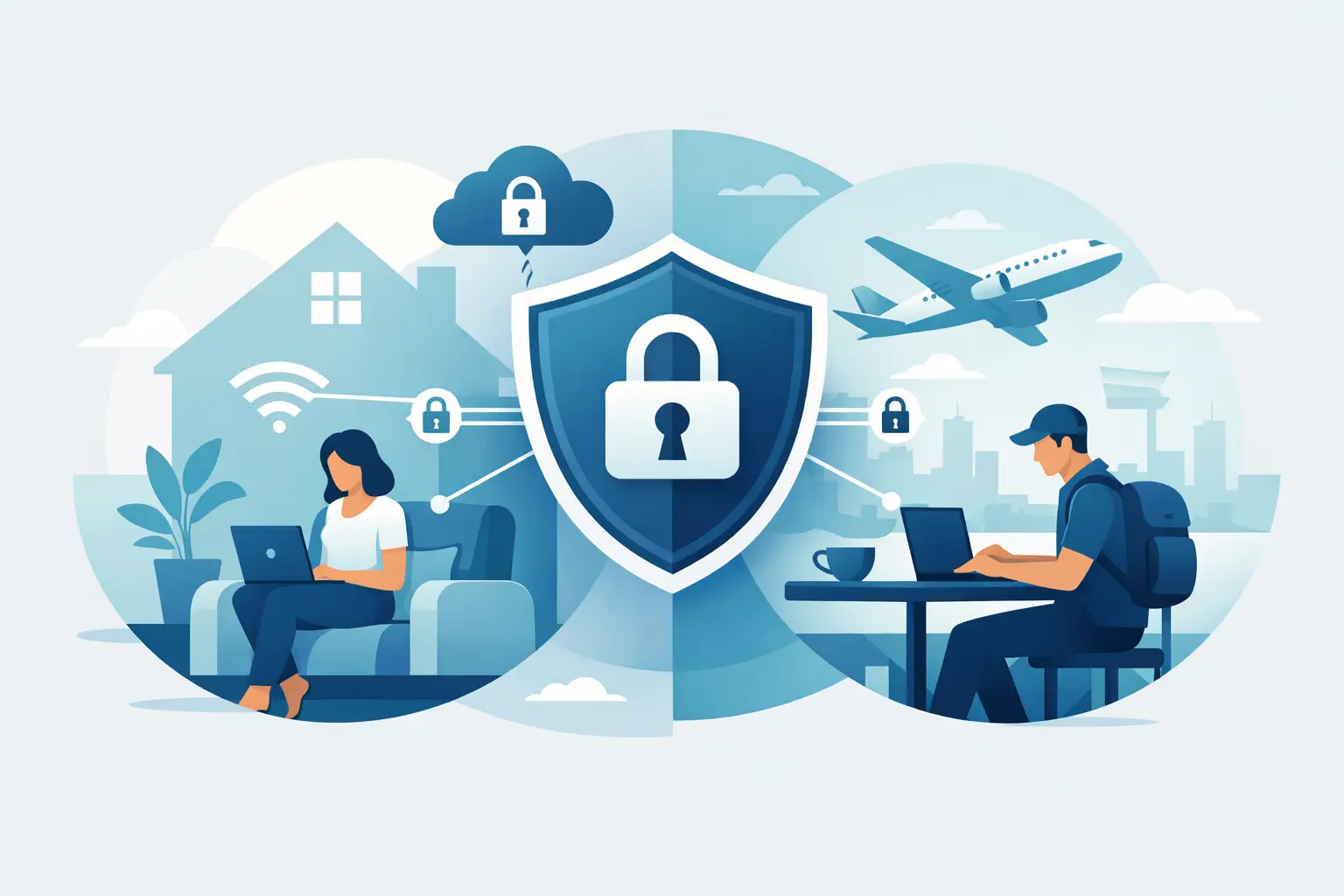
VPN encryption scrambles the data moving between your device and the VPN server so outside parties cannot read it easily. That includes people on the same coffee shop Wi-Fi, your internet service provider, and other networks your traffic passes through before reaching its destination. Think of it as putting your internet traffic inside a protected tunnel. The websites and apps you use still receive your requests, but anyone intercepting the traffic in transit should only see unreadable ciphertext rather than passwords, messages, or browsing details. That said, encryption is not a magic privacy button. It protects data in transit, not everything you do online. If you log into a website with your real name, the site still knows who you are. If a VPN provider keeps extensive activity logs, encryption alone does not fix that. This is why strong encryption matters, but it is only one part of a trustworthy VPN. Guide to VPN encryption terms you will see most often Most VPN marketing pages throw around terms like AES-256, ChaCha20, OpenVPN, WireGuard, and perfect forward secrecy. These terms are useful, but only if you know what category they belong to. Encryption cipher is the method used to scramble your data. AES-256 is the best-known example and remains widely trusted. ChaCha20 is another modern cipher that is fast and secure, especially on mobile devices and hardware without specialized AES acceleration. VPN protocol is the ruleset that decides how the VPN tunnel is built and maintained. OpenVPN, WireGuard, and IKEv2 are protocols. A protocol often works with specific encryption methods, handshake processes, and authentication systems. Authentication makes sure you are connecting to a legitimate VPN server and that your data has not been tampered with. This part matters because encrypted traffic is not helpful if you are sending it to the wrong place. Key exchange is the process that safely sets up encryption keys between your device and the VPN server. Good VPNs rotate keys regularly and use perfect forward secrecy, which limits the damage if one session key is ever compromised. Which encryption standard is considered strong today? For most users, AES-256 and ChaCha20 are the standards to look for. Both are currently considered highly secure when implemented properly. AES-256 is common because it is trusted, tested, and efficient on many desktop and server environments. If you see a VPN using OpenVPN with AES-256 or IKEv2 with AES-256, that is generally a strong sign. ChaCha20 is often associated with WireGuard-based connections. It performs especially well on phones, tablets, and lower-power devices. In real-world use, many people find WireGuard-based VPN connections faster than older protocol setups, partly because the protocol itself is lighter. The important nuance is that stronger-looking numbers do not always equal better real-world protection. A VPN can advertise military-grade encryption and still fall short if its apps leak DNS requests, its kill switch fails, or its privacy policy is weak. Security depends on the whole system, not just one cipher name. VPN protocols and how they affect encryption If you are comparing VPN services, protocol choice affects both security and speed. OpenVPN OpenVPN has been a long-standing favorite because it is flexible, mature, and broadly trusted. When configured well, it offers strong security and reliable privacy protection. The trade-off is that it can be slower than newer options, especially on mobile devices. WireGuard WireGuard is newer, leaner, and often faster. It uses modern cryptography and usually delivers better speeds for streaming, gaming, and everyday browsing. For many users, it is the best balance of security and performance. The main caveat is that provider implementation matters a lot, especially around privacy handling and server-side session design. IKEv2/IPsec IKEv2 is popular on mobile because it reconnects quickly when you switch between Wi-Fi and cellular networks. It can be very secure and stable. Depending on the provider and platform, it may be a smart option for remote workers and people who move between networks throughout the day. PPTP and L2TP PPTP is outdated and should generally be avoided. L2TP/IPsec is more secure than PPTP, but it is no longer the top choice for most users. If a VPN still pushes older protocols as default options, that is worth questioning. How VPN encryption protects you in everyday situations Encryption matters most when the network around you is untrustworthy. Public Wi-Fi is the classic example. At airports, hotels, cafes, and apartment building networks, your traffic can be exposed to snooping attempts if it is not properly secured. A VPN adds a layer of protection by encrypting traffic before it leaves your device. That helps protect logins, payment activity, cloud documents, and personal messages from local interception. It also helps reduce visibility from your ISP. Without a VPN, your provider can see the domains you connect to and patterns in your browsing activity. With a VPN, your ISP mainly sees that you are connected to a VPN server, not the full contents or destination details of your encrypted traffic. For remote workers and small teams, encryption adds another level of safety when accessing business tools outside the office. It is not a replacement for company security policies, but it does reduce exposure on home and public networks. What encryption does not protect against This is where many buyers get misled. VPN encryption does not make you anonymous everywhere, and it does not stop every form of tracking. If you sign into Google, Facebook, Amazon, or your bank, those services still know it is you. Websites can still use cookies, browser fingerprinting, and account-level tracking. Malware on your device can still steal data before encryption happens. Phishing attacks still work if you hand over your password willingly. That is why the best VPN choice is not just about encryption strength. You should also care about a no-logs policy, DNS leak protection, a kill switch, app quality, provider reputation, and whether the service has been independently audited. How to judge VPN encryption when comparing providers A practical guide to VPN encryption should help you separate useful signals from marketing filler. Start by checking whether the provider clearly states its supported protocols and encryption methods. Vague claims like bank-level security are less helpful than a direct explanation of WireGuard, OpenVPN, AES-256, and ChaCha20. Next, look at the default protocol in the app. If the app automatically chooses the fastest secure option, that is usually a good sign for beginners. If you can switch protocols manually, even better, because it gives you flexibility for streaming, gaming, work, or restrictive networks. Then look beyond encryption specs. Does the VPN include a kill switch? Has it had an independent security audit? Does it explain how it handles DNS requests? Does it have a clear privacy policy written in plain English? Those details tell you more than a bold encryption badge on the homepage. For most US users, the safest approach is to choose a reputable VPN that offers WireGuard and OpenVPN, uses AES-256 or ChaCha20, includes leak protection, and has a solid no-logs reputation. That combination covers the needs of home users, students, streamers, and small businesses without making setup complicated. Does stronger encryption slow your VPN down? Sometimes, yes. Encryption takes processing power, so there is always some overhead. But in practice, protocol design often affects speed more than the cipher alone. That is why a modern WireGuard connection can feel much faster than an older OpenVPN setup while still providing excellent protection. Distance to the VPN server, server congestion, your base internet speed, and the VPN app itself also affect performance. If speed is your top priority, test a few protocols inside the app. If privacy on public Wi-Fi matters most, choose the most stable secure option even if it costs you a bit of speed. It depends on your use case, and a good provider should let you make that trade-off without confusion. When people ask what level of VPN encryption they need, the answer is usually less dramatic than the ads suggest. You do not need to chase obscure specs or assume the highest number on a comparison table always wins. You need a VPN that uses modern encryption properly, explains its security clearly, and protects your traffic without making everyday use a hassle. That is the kind of privacy tool you will actually keep turned on – and that is what makes the biggest difference.