How to Use a VPN Safely and Securely
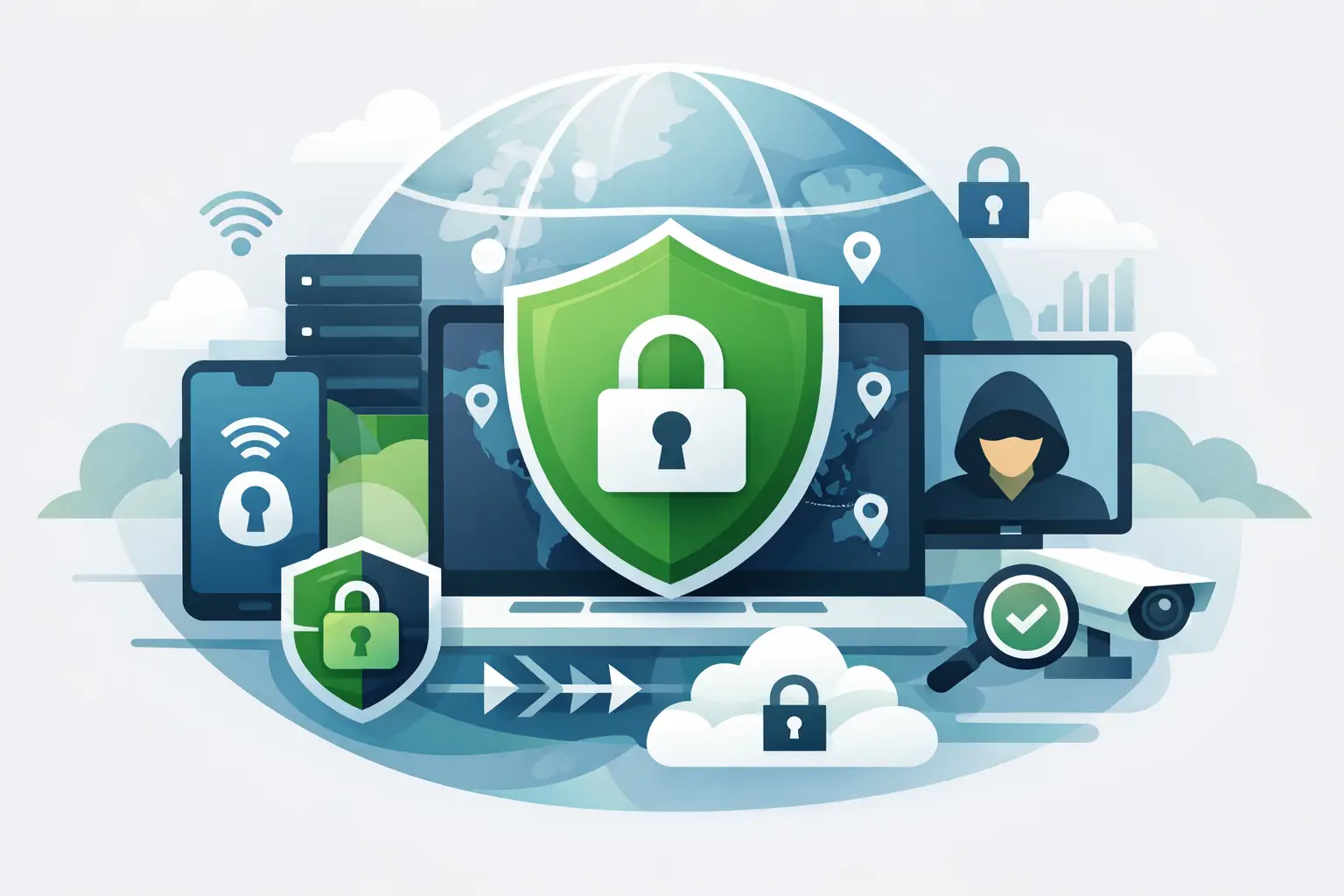
A VPN protects your internet connection by encrypting traffic and masking your IP address. Use it on home networks, public Wi-Fi, and while traveling to reduce exposure to tracking, interception, and data theft.
Choose a reputable provider with strong encryption, a transparent privacy policy, reliable leak protection, and a trustworthy history. Keep the app updated and enable automatic connection features whenever possible.
Essential VPN Security Settings and Best Practices
Enable the kill switch, DNS leak protection, and automatic startup settings to help prevent accidental exposure. Select secure protocols such as WireGuard or OpenVPN when they are supported by your device.
Use unique account credentials and multi-factor authentication where available. Review permissions, avoid unfamiliar free VPN services, and disconnect only when you no longer need encrypted access.
Using a VPN on Public Wi-Fi
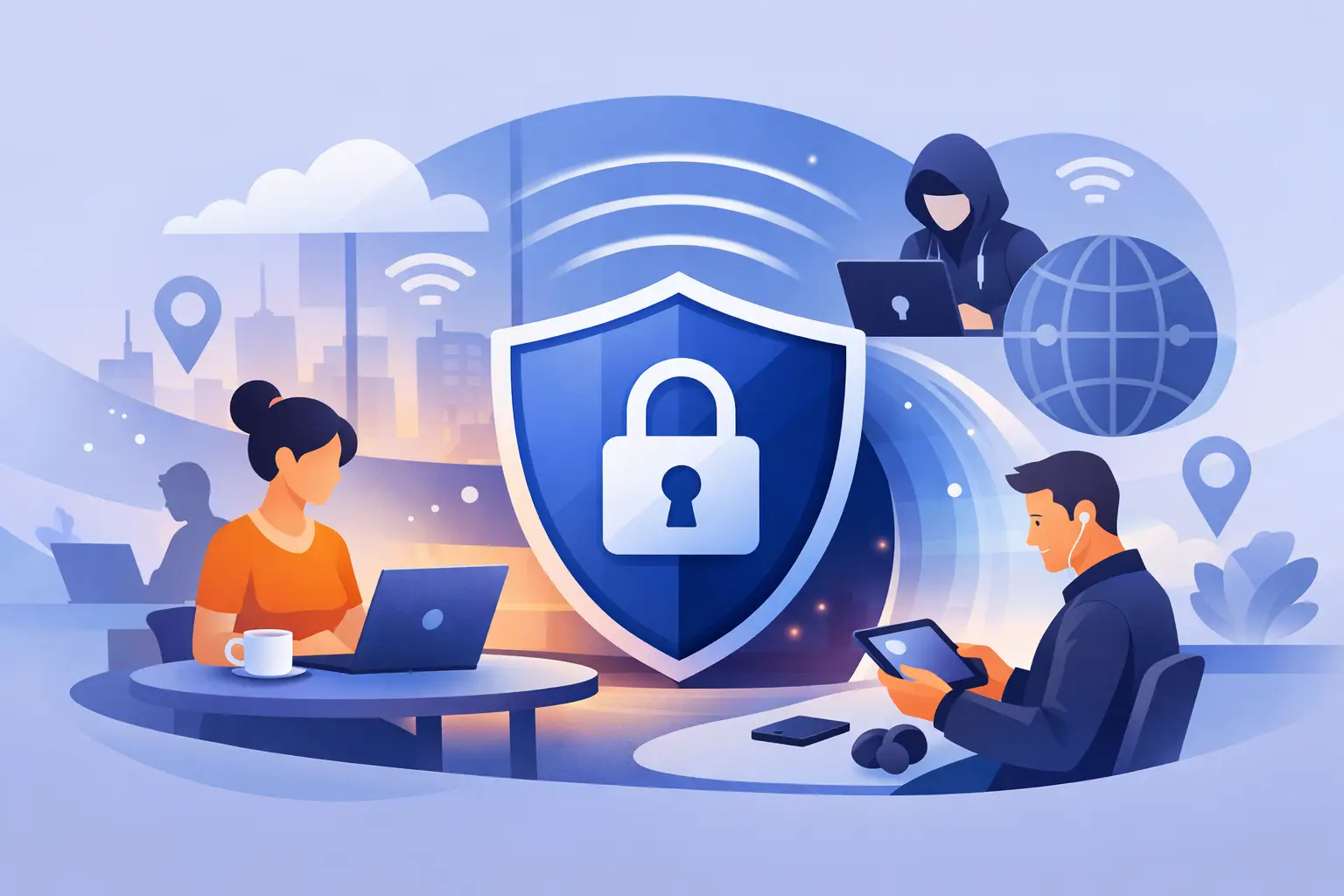
Connect to the VPN before accessing email, banking, shopping, or other sensitive services on airport, hotel, or café networks. Encryption helps limit the value of intercepted traffic.
Verify the VPN connection and avoid unknown Wi-Fi networks with suspicious names. A VPN cannot block phishing, malware, or unsafe websites, so continue using strong passwords and device security tools.