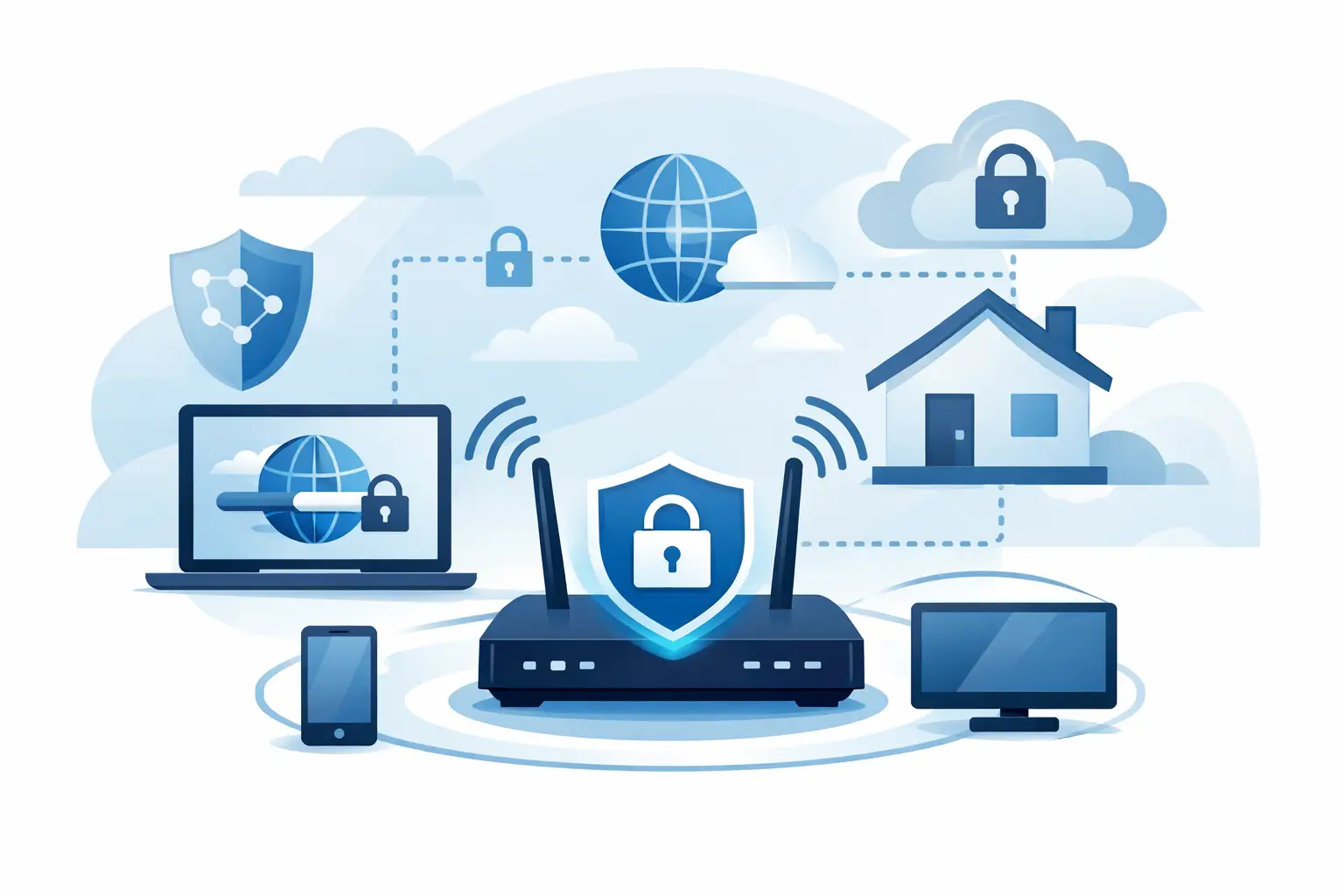
A VPN can make your everyday internet activity far less exposed, but it does not make you invisible. If you are asking what does a VPN hide, the practical answer is: it hides your IP address and encrypts much of the traffic traveling between your device and the VPN server. That is meaningful protection on public Wi-Fi, at home, while traveling, and when you want websites to see less about where you are connecting from. The limits matter just as much as the benefits. A VPN is a privacy tool, not a new identity, antivirus program, or permission slip to ignore basic online safety. Knowing the difference helps you choose a service with confidence and use it the right way. What a VPN hides from websites and apps When you connect to a VPN, your internet traffic is routed through a VPN server before it reaches a website, streaming app, game server, or other online service. Instead of seeing your home, office, or mobile connection's IP address, that service sees the IP address of the VPN server. Your IP address can reveal an approximate location and your internet provider. It is not a street address, but it can help websites, advertisers, and services build a picture of where and how you connect. Replacing it with a VPN server IP makes that profiling less direct. A VPN can also make it appear that you are browsing from the server's location. If you connect through a server in another state or country, sites generally see that server location instead of your physical one. This is useful for travelers, people who want to reduce location-based tracking, and users accessing services while away from home. However, sites may still estimate your location through other signals, such as device settings, browser permissions, or account activity. What a VPN hides on public Wi-Fi Coffee shop, hotel, airport, and other public Wi-Fi networks are convenient, but they are not places to assume privacy. A VPN encrypts data between your device and the VPN server, making it much harder for someone on the same network to read or interfere with traffic in transit. This matters most when you are checking email, working with files, shopping, using banking apps, or signing in to accounts. Modern websites usually use HTTPS encryption too, but a VPN adds another protected layer and reduces what the local network can see about your activity. Without a VPN, the network operator may be able to see the sites and services your device connects to, even when the page contents are encrypted. With a VPN active, the local network generally sees that you are connected to a VPN server and the amount of data moving through the connection. It should not see the specific sites you visit inside the encrypted tunnel. That protection depends on the VPN staying connected. A kill switch is worth using because it can block internet traffic if the VPN connection drops unexpectedly. Without one, your device could briefly reconnect through your normal network and expose your real IP address. What a VPN can hide from your internet provider Your internet service provider can normally see your IP address, connection timing, and a meaningful amount of information about the destinations your traffic reaches. With a VPN, your provider can see that you are using a VPN and can observe the connection's timing and data volume. It cannot normally read the websites, apps, or services traveling inside the encrypted VPN tunnel. That does not mean the data disappears. It changes who is in a position to handle it. Your VPN provider carries your traffic after it leaves the encrypted tunnel, so selecting a reputable provider is essential. A provider with a clear no-logs policy, modern encryption, transparent privacy practices, and independent assessments gives you a stronger privacy foundation than an unknown free service with unclear business practices. DNS protection also matters. DNS is the system that turns a name like a website address into the server your device needs to reach. If DNS requests go outside the VPN tunnel, they can expose a record of the sites you are trying to visit. Reliable VPNs use their own protected DNS or provide settings designed to prevent DNS leaks. What a VPN does not hide A VPN reduces exposure, but several forms of identification remain outside its scope. The most common misunderstanding is assuming a new IP address means you are anonymous everywhere. It does not. If you sign in to Google, Facebook, Amazon, your employer's portal, or any other account, that service knows it is you because you logged in. A VPN can hide your home IP address from the service, but it cannot hide the account identity you provide. Websites can also recognize devices through cookies, browser fingerprinting, saved login sessions, and app identifiers. Clearing cookies, using privacy-focused browser settings, limiting unnecessary extensions, and reviewing app permissions can reduce some tracking. A VPN is most effective as part of those everyday habits, not as a replacement for them. A VPN also does not protect you from downloading malware, entering a password on a fake login page, or sending information to the wrong person. For that, you need safe browsing habits, strong unique passwords, multi-factor authentication, and dependable antivirus protection. On a work or school device, administrators may have monitoring software, security certificates, or device management tools installed. A personal VPN does not override those controls, and using one may violate your organization's policies. If you work remotely, follow your employer's security rules and use its approved VPN when required. Can a VPN hide your browsing history? It depends on whose view you mean. A VPN can prevent your internet provider and local Wi-Fi network from seeing a straightforward record of the sites you visit through the VPN connection. It cannot erase browser history stored on your device, and it cannot stop websites from recording visits, searches, clicks, or account activity on their own platforms. Your VPN provider may also have some technical ability to observe traffic metadata or destination information as it routes your connection. This is why privacy policies are not fine print to skip. Look for providers that explain what they do and do not collect, where they operate, how they handle legal requests, and whether their no-logs claims have been independently tested. Private or incognito browsing is different from a VPN. Private mode usually prevents your browser from keeping local history after you close the window. It does not hide your IP address from websites, encrypt your connection from your internet provider, or protect traffic on public Wi-Fi. Using private browsing and a VPN together can be useful, but they solve different problems. Does a VPN hide your location completely? A VPN masks the location associated with your IP address, which is the location most websites use first. That is valuable, but it is not complete location invisibility. Your phone may share GPS location with apps if you allow it. Your browser can request precise location permission. A social app can infer where you are from posts, local Wi-Fi networks, Bluetooth signals, or the places you interact with. Even your time zone and language settings can add clues. For stronger location privacy, turn off precise location permissions for apps that do not truly need them, review browser permissions, and avoid sharing personal details publicly. If a site needs your location for legitimate reasons, such as weather, delivery, or emergency services, a VPN should not be used to defeat that function. How to choose a VPN that actually protects your privacy Not every VPN provides the same level of protection. The safest choice is usually a well-established paid provider with clear privacy documentation and apps for the devices you use. Free VPNs can be useful in limited cases, but running a global server network costs money. If the provider cannot clearly explain how it earns revenue, your data may be part of the answer. Prioritize strong encryption, a kill switch, DNS leak protection, reliable server coverage, and a no-logs policy supported by credible audits or court-tested claims. For a household, check the number of simultaneous connections and whether the service works well on phones, computers, tablets, and routers. For streaming, gaming, or video calls, speed and nearby server performance deserve as much attention as privacy features. Before relying on a VPN, install the official app, enable the kill switch if available, connect to a nearby server for the best speed, and verify that your IP address changes. Keep the app updated, especially on mobile devices that move between Wi-Fi and cellular networks. The right VPN gives you a simple, practical advantage: less unnecessary exposure every time you connect. Use it consistently on unfamiliar networks, pair it with smart account security, and choose a provider whose privacy promises are easy to understand and strong enough to trust. Related Posts DNS Leak Protection Guide for VPN Users Is Discover Online Privacy Protection Worth It? 2026 Review How to Install VPN on Router: A Simple Guide How Geo-Blocking Works and Why a Premium Service is Required for Reliable International Streaming Access VPN vs Proxy Security: What’s Safer? How to Stream Every Premier League Match Live in 2026 From Anywhere – Even on Vacation Why Sports Leagues Enforce Blackout Rules 10 Signs Your Antivirus Software Is Outdated Continue Reading Related Articles View All Articles VPNGENIX Command center for your digital sovereignty. Contact Us Email: support@vpngenix.com Explore VPN Services Resources AI Solutions Privacy Guides Tech News Security Tips Ecosystem © 2026 VPNGENIX · Secure your digital footprint. Privacy Policy· Legal· Terms of Service· Cookie Policy Related Posts DNS Leak Protection Guide for VPN Users Is Discover Online Privacy Protection Worth It? 2026 Review How to Install VPN on Router: A Simple Guide How Geo-Blocking Works and Why a Premium Service is Required for Reliable International Streaming Access VPN vs Proxy Security: What’s Safer? How to Stream Every Premier League Match Live in 2026 From Anywhere – Even on Vacation Why Sports Leagues Enforce Blackout Rules 10 Signs Your Antivirus Software Is Outdated