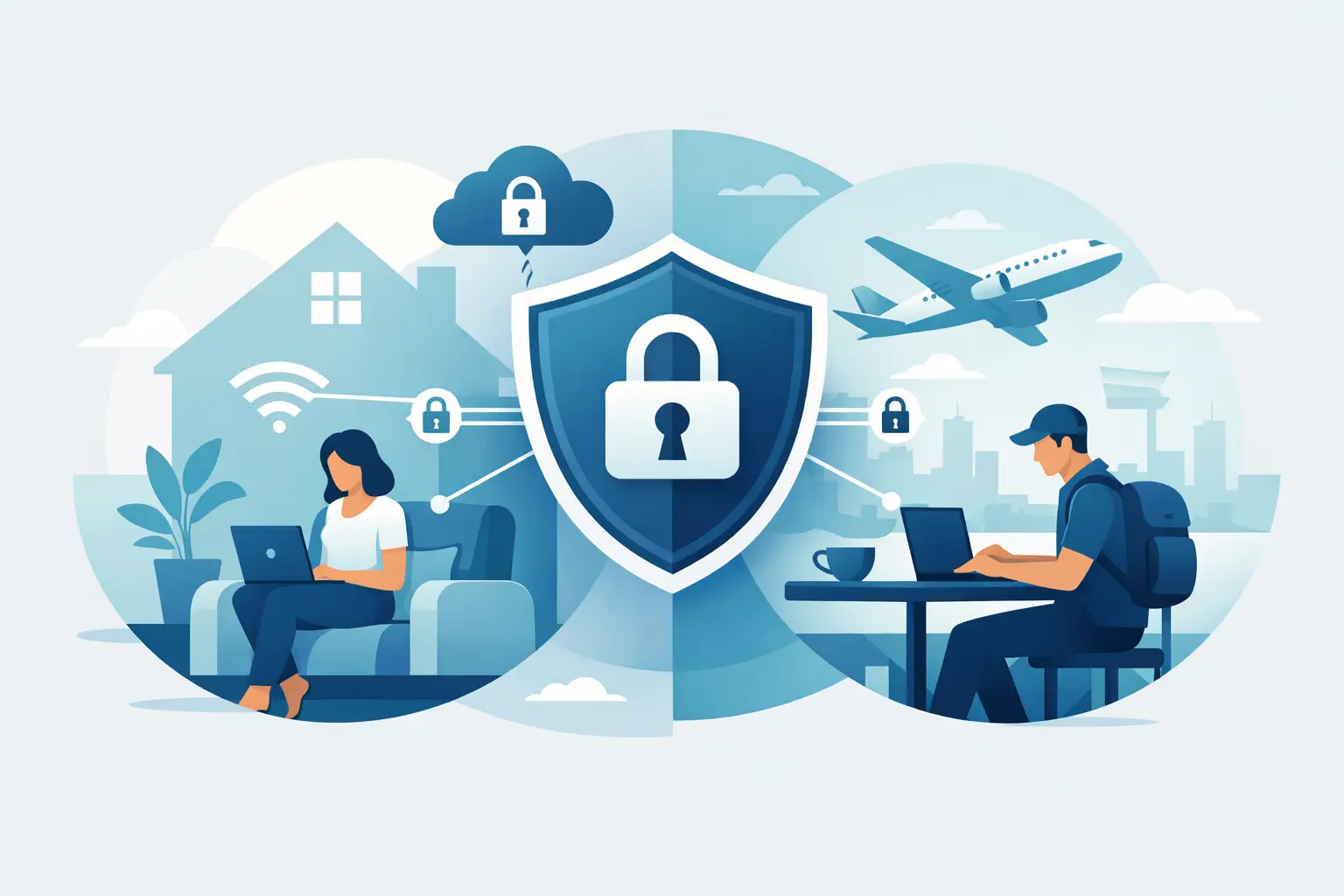
You open a browser, switch on a VPN, and expect your online activity to disappear from view. That is the promise many people hear, but the real answer to does vpn hide browsing is more specific than most ads make it sound. A VPN can hide a lot, especially from your internet provider and anyone watching the network you use, but it does not make you invisible everywhere online. That distinction matters if you care about privacy, use public Wi-Fi, stream on different networks, work remotely, or just want fewer eyes on what you do online. A VPN is a strong privacy tool, but it works best when you know exactly what it can and cannot do. Does VPN hide browsing from your ISP? In most normal situations, yes. A VPN encrypts your internet traffic before it leaves your device and sends it through a secure tunnel to the VPN server. Your internet service provider can still see that you connected to a VPN, how much data you used, and when you were online, but it usually cannot see the specific websites you visit or the pages you load inside that encrypted tunnel. Without a VPN, your ISP has a much clearer view of your browsing activity. Depending on the site and how it is configured, they may be able to see domains you visit and other connection details. With a VPN turned on, that visibility drops sharply because your traffic is wrapped in encryption before it crosses your local network. For many users, this is the biggest practical benefit. If your main goal is to stop your ISP from building a detailed picture of your browsing habits, a reputable VPN is one of the simplest tools available. Does VPN hide browsing on public Wi-Fi? Yes, and this is one of the strongest reasons to use one. When you connect through airport Wi-Fi, hotel Wi-Fi, coffee shop Wi-Fi, or a shared campus network, the network owner can potentially see a lot about your traffic if it is not protected. A VPN encrypts that traffic so people running the network, or anyone trying to snoop on it, have a much harder time seeing what you are doing. That does not mean public Wi-Fi becomes risk-free. You still need to watch for fake login pages, phishing, sketchy downloads, and weak passwords. But a VPN adds a solid layer of protection where open or shared networks are concerned. What a VPN actually hides A VPN changes who can see your traffic and where your connection appears to come from. In practical terms, it usually hides your browsing activity from your ISP, the owner of the Wi-Fi network you are using, and casual network snoops on the same connection. It also hides your real IP address from the websites and services you visit, replacing it with the IP address of the VPN server. That matters because your IP address can reveal your approximate location and can be used to link activity back to your connection over time. By masking it, a VPN makes it harder for websites, advertisers, and trackers to associate your browsing with your home network or mobile connection. For everyday users, that means better privacy, especially on unsecured networks and with services that lean heavily on IP-based tracking. What a VPN does not hide This is where many people get tripped up. A VPN does not erase all traces of your activity. If you sign into Google, Facebook, Amazon, your bank, or any other account, that service still knows it is you. The VPN may hide your home IP address, but it does not hide your identity from an account you voluntarily log into. A VPN also does not stop browser fingerprinting by itself. Websites can still collect information about your device, browser version, screen size, language settings, and other technical details that help identify you. Cookies can also continue tracking you across sessions unless you block or clear them. And if your device has malware, a VPN will not fix that. If you click a phishing link, a VPN will not magically protect you from entering your password on a fake site. Privacy and security overlap, but they are not the same thing. Does VPN hide browsing from websites? Partly, not completely. A website you visit can usually see the IP address of the VPN server instead of your real one. That is useful because it masks your home or mobile IP and can make location-based tracking less precise. But websites can still see that you visited them, what pages you opened on their site, and any information you submit. If you are logged in, fill out forms, accept cookies, or give personal details, the VPN does not hide those actions from the site itself. Think of it this way: a VPN hides the path you took to get there, but not necessarily what you do once you walk in and introduce yourself. Does VPN hide browsing history on your device? No. A VPN does not erase or hide the browsing history stored in your browser, device, or apps. If someone has access to your laptop, phone, browser profile, or synced account, they may still be able to see your history depending on your settings. If you share a device or use a work-managed device, that is an important limit to understand. If local privacy matters, you need to look beyond a VPN and pay attention to browser settings, private browsing modes, account syncing, and device access controls. The role of DNS in whether a VPN hides browsing A good VPN should route your DNS requests through its own secure DNS servers or another protected system. If DNS requests leak outside the VPN tunnel, your ISP may still see the domains you are trying to visit even if the rest of the traffic is encrypted. That is why DNS leak protection matters. It is one of those technical details that sounds minor until it breaks the privacy promise. Reliable VPN providers usually include built-in leak protection, but it is one reason not all VPNs offer the same level of privacy. This is also why free or low-quality services can be risky. If the app is poorly built, logs too much data, leaks DNS traffic, or has weak encryption, your browsing may not be as hidden as you expect. So, does vpn hide browsing enough for most people? For most everyday privacy goals, yes. If you want to stop your ISP from seeing the websites you visit, protect your traffic on public Wi-Fi, and hide your real IP address from websites and apps, a VPN does a lot of useful work. For students, remote workers, travelers, streamers, and general home users, that covers a big part of the privacy problem. But if your expectation is complete anonymity, the answer is no. A VPN is one privacy layer, not a total invisibility system. Your accounts, browser behavior, device settings, cookies, and the VPN provider’s own policies all affect how private your browsing really is. How to get better privacy than a VPN alone The best approach is not replacing a VPN. It is pairing it with a few smart habits. Choose a provider with a clear no-logs policy, modern encryption, DNS leak protection, and a kill switch. Use privacy-focused browser settings, block third-party trackers where possible, and avoid staying logged into every service all day if you want less behavioral tracking. Keep your device updated, use strong passwords, and add antivirus or anti-malware protection when needed. If you are comparing services, this is where testing and provider quality matter more than marketing claims. VPNgeniX focuses on that practical side because the right VPN should not just sound private. It should hold up under everyday use. The real answer A VPN hides a meaningful amount of your browsing, especially from your ISP, local network operators, and services trying to identify you by your real IP address. That is a real privacy upgrade, not a gimmick. Still, the web has more than one way to track people. If you want safer browsing made simple, treat a VPN as your first privacy layer, then build from there with better browsing habits and a provider you trust.