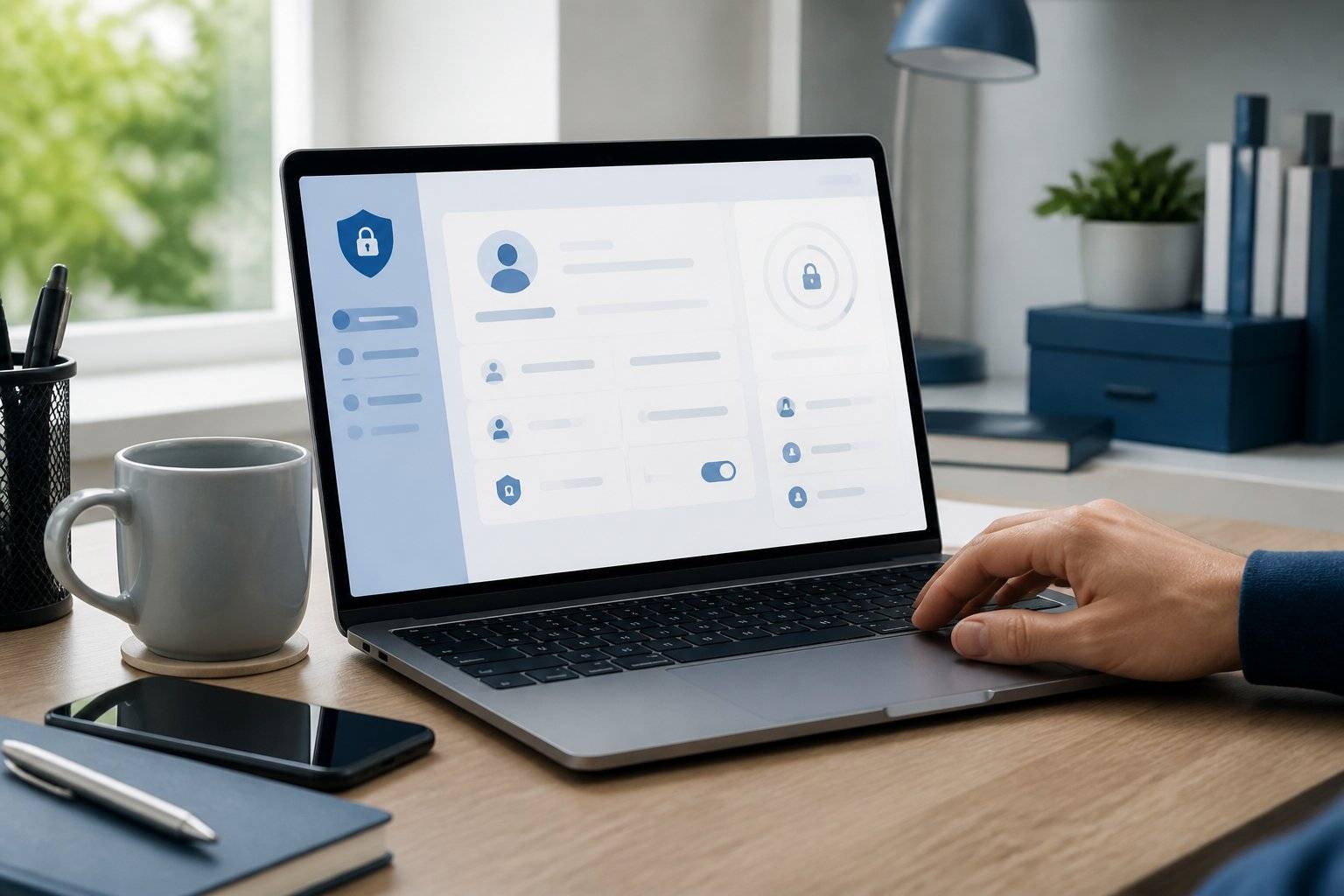
A stolen password can do more damage than most people expect. It can expose an email inbox, reset banking logins, access cloud files, and give criminals a path into every account connected to that address. That is why passwordless security trends are moving from enterprise IT teams into the phones, browsers, VPN apps, and everyday services people use at home. Passwordless access does not mean security disappears or that every login becomes a fingerprint scan. It means replacing reusable passwords with stronger proof that you are the person trying to sign in. For most users, that proof will come from passkeys, a trusted device, biometrics, or a physical security key. The appeal is simple: fewer passwords to remember, fewer credentials for criminals to steal, and less time spent dealing with reset emails. But the best option still depends on the account, device, and level of risk involved. Why Passwords Are Losing Their Security Advantage Passwords were built for a smaller, simpler internet. Now, the average person has dozens or hundreds of accounts, and reusing a familiar password is tempting. Criminals know that. They buy leaked credentials, test them across popular services, and use fake sign-in pages to trick users into handing over new ones. A long, unique password stored in a reputable password manager is still far safer than using the same weak password everywhere. Passwords are not suddenly useless. The issue is that even a strong password can be phished, intercepted on a fake website, or exposed when a service suffers a breach. Passwordless methods are designed to reduce those risks. Instead of sending a secret that a website checks against its database, your device can confirm your identity with cryptographic credentials. The private portion stays on your device. A criminal who copies a company database should not receive a password they can reuse elsewhere. Passwordless Security Trends Reshaping Everyday Logins The biggest shift is not one product or one biometric feature. It is a move toward phishing-resistant sign-in methods that work across devices without making users jump through complicated setup screens. Passkeys are becoming the default alternative Passkeys are the trend most home users will notice first. They let you sign in with Face ID, Touch ID, a device PIN, or another local screen lock instead of typing a password. They can be saved to a device ecosystem and, in many cases, synced securely across your approved devices. Their strongest benefit is phishing resistance. A passkey is tied to the legitimate website or app that created it. If you land on a convincing copycat site, the passkey should not work there. That gives users protection that a password alone cannot provide. Passkeys are particularly practical for email, shopping, financial services, social accounts, and security apps. Adoption is still uneven, so expect a transition period where many accounts offer both passwords and passkeys. When a trusted service offers passkeys, enabling them is usually a smart upgrade. There is one caveat. Device syncing makes recovery easier, but it also makes the security of your Apple, Google, or Microsoft account more important. Protect that primary account with a strong recovery process and multi-factor authentication. Otherwise, one weak recovery path can undermine several passkeys. Biometrics will verify, not replace, identity Fingerprint and face recognition are often described as password replacements, but they are better understood as a convenient way to approve a credential stored on your device. Your fingerprint is generally not sent to every website you use. Instead, it confirms that you can use the passkey or security token on that phone or computer. This distinction matters for privacy. A well-designed biometric login keeps sensitive biometric data inside the device's protected hardware. Still, users should use biometrics thoughtfully. A phone shared with family members, for example, needs careful device access controls. A strong PIN remains essential because it is often the fallback method when biometrics fail. Multi-factor authentication is becoming smarter Traditional multi-factor authentication often means receiving a text message with a one-time code. SMS codes are better than no second factor, but they can be vulnerable to SIM-swapping, number port-out fraud, and phishing. A scammer can ask for the code, then use it before it expires. Authenticator apps, push approvals, passkeys, and hardware security keys provide stronger alternatives. The direction of travel is clear: security tools are trying to ask for fewer prompts while making those prompts harder to fake. For a low-risk account, an authenticator app may be the right balance of security and convenience. For a business email account, financial account, or admin dashboard, a physical security key or passkey offers more protection. The goal is not to add friction everywhere. It is to add the right level of proof where a compromised account would cause real harm. Security keys are moving beyond large organizations Hardware security keys used to feel like a tool reserved for IT administrators. They are becoming more relevant for journalists, small business owners, remote workers, creators, and anyone whose email account is tied to payments or customer data. A security key is a small device that confirms your identity during sign-in. Because it requires physical possession and checks the legitimate site, it can stop many phishing attacks. Keeping two keys is wise: one for everyday use and one stored safely as a backup. The trade-off is obvious. You can lose a physical key. Before relying on one, set up backup recovery options, record recovery codes in a secure place, and confirm that your important services support the key type you buy. What Passwordless Access Means for VPN and Privacy Tools A VPN protects the connection between your device and the internet, particularly on public Wi-Fi and other untrusted networks. It does not replace account security. If someone gets into your email or VPN account with a stolen password, encrypted browsing alone cannot fix that problem. That is why passwordless adoption and privacy tools work well together. Choose security services that support multi-factor authentication, passkeys where available, device management, and clear alerts for new logins. If your VPN provider offers two-factor authentication, turn it on. If it lets you review active sessions, check that list occasionally and remove devices you no longer use. For small teams, this is even more important. A shared VPN login may seem convenient, but it weakens accountability and makes offboarding difficult. Individual accounts with strong authentication make it easier to remove access when a contractor leaves or a device goes missing. VPNgeniX recommends treating your VPN account like your primary email account: use a unique credential during the transition to passkeys, enable the strongest available second factor, and keep recovery information current. How to Prepare Without Making Login Harder You do not need to overhaul every account in a weekend. Start with the accounts that can reset other accounts or expose money and personal information: your primary email, financial services, mobile carrier, cloud storage, password manager, and VPN provider. First, update reused or weak passwords with unique ones stored in a password manager. Next, enable passkeys on supported accounts and turn on multi-factor authentication where passkeys are not offered. Prefer an authenticator app, passkey, or security key over SMS when you have the choice. Then test recovery before an emergency happens. Can you sign in from a second device? Do you have backup codes? Is an old phone number still listed as a recovery option? Recovery is where convenience and security often collide, so take a few minutes to remove outdated methods rather than leaving a weak back door open. Finally, keep devices updated and use a screen lock that other people cannot guess. Passwordless security is only as strong as the device and account recovery system behind it. The most useful change is not chasing every new login feature. It is choosing sign-in methods that reduce your exposure to phishing while still letting you recover access calmly if your phone is lost, replaced, or stolen.