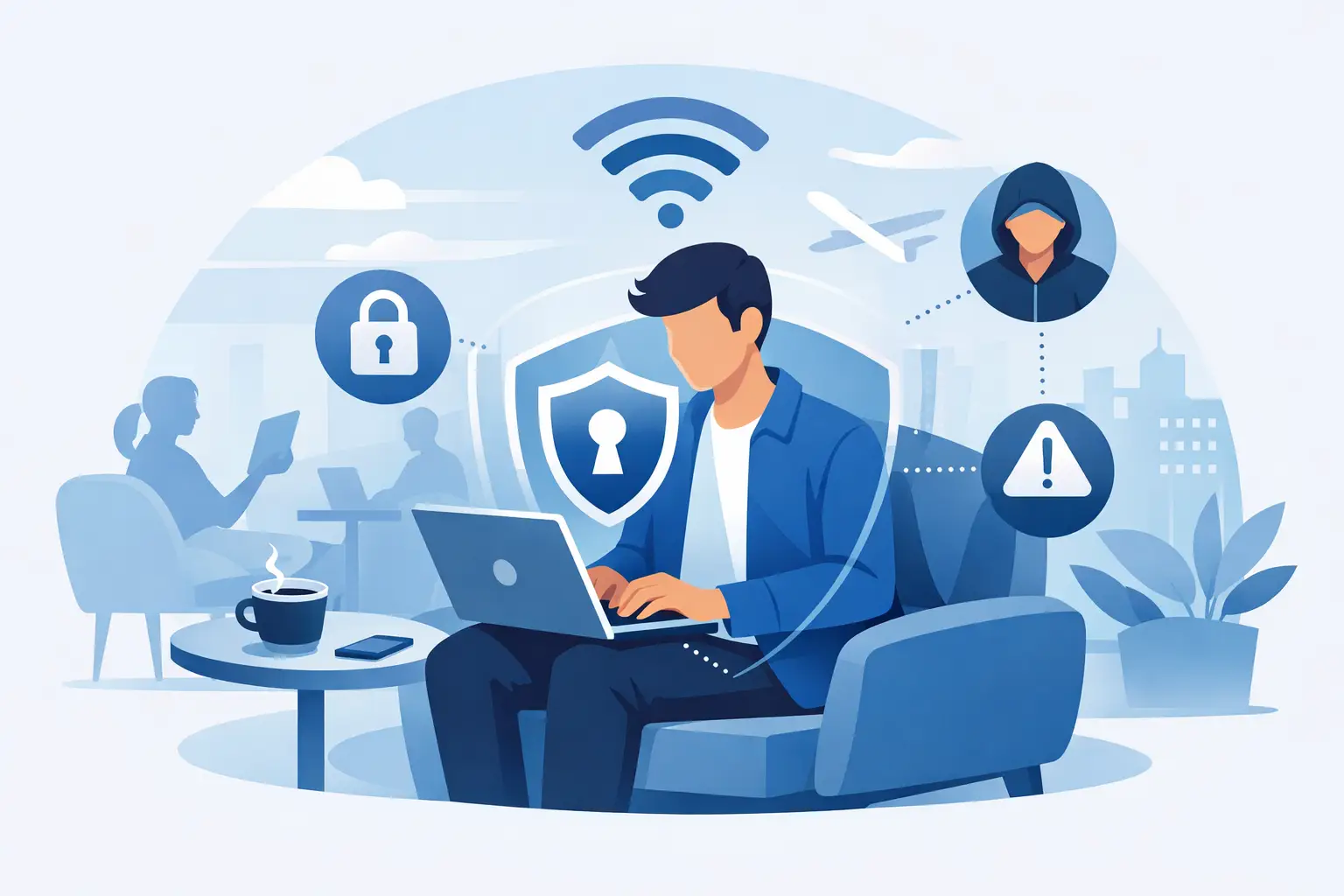
A fake delivery text can arrive minutes after you place an order. A convincing caller can know your name, address, and last four digits. A scam email can sound exactly like your boss. These are the cybersecurity trends for consumers that matter most because they target ordinary habits, not technical mistakes. The good news is that better protection does not require turning your home into a security operations center. It means making a few smart choices about accounts, devices, browsing, and the personal information already circulating online. Here is what is changing and how to stay ahead without making digital life harder. Cybersecurity Trends for Consumers in 2026 AI is making scams more believable Phishing is no longer limited to poorly written emails promising a surprise refund. Criminals now use AI to produce polished messages, realistic fake websites, and personalized social media scams at high volume. Voice cloning also raises the stakes. A short public video or voicemail may be enough for someone to create a convincing imitation of a family member, manager, or financial representative. The best response is not trying to spot every grammatical error. Instead, treat unexpected urgency as the warning sign. A message demanding immediate payment, a password reset, a gift card, or a verification code deserves a pause. Do not use the link or phone number supplied in the message. Open the official app, type the known website address yourself, or call a number from a statement or trusted contact page. For families, set a simple verbal check-in phrase for emergencies. It may feel unnecessary until someone receives a panicked call that appears to come from a loved one. A shared phrase creates a quick way to verify the situation before money or private information changes hands. Stolen personal data keeps fueling account takeovers Large data breaches remain a consumer problem long after the initial headlines disappear. Names, email addresses, phone numbers, passwords, and identity details can be combined with information from public profiles and data brokers. That combination makes targeted fraud easier, from account takeover attempts to fraudulent credit applications. You cannot take back data that has already been exposed, but you can reduce what an attacker can do with it. Every important account should have a unique password. Reusing one password across shopping, social, email, and banking accounts turns a single breach into a chain reaction. A reputable password manager makes unique passwords practical. For your email account, bank, payment apps, and primary shopping accounts, enable multi-factor authentication as well. An authenticator app or a passkey is generally safer than receiving codes by text, since phone numbers can be targeted through SIM-swap fraud. If text messages are your only option, they are still far better than no second factor. Passkeys are replacing passwords, but not everywhere Passkeys are becoming a common sign-in option on major platforms. They use your device's biometric check or screen lock to verify you, rather than requiring a password that can be guessed or entered on a fake page. That makes them especially effective against phishing. They are not yet universal, so passwords still need attention. Use passkeys where they are offered, keep recovery options current, and save backup codes somewhere secure. The trade-off is convenience versus recovery planning: if you lose every signed-in device and have outdated recovery details, getting back into an account can be frustrating. A few minutes spent reviewing recovery email addresses and phone numbers can prevent that problem. Public Wi-Fi risks are shifting, not disappearing Coffee shop, airport, hotel, and campus Wi-Fi remain useful, but they should not be treated as private. Encrypted websites and apps protect much of the traffic people send, yet public networks can still expose browsing patterns, invite lookalike hotspot attacks, and create opportunities for tracking or malicious redirects. A VPN adds a practical privacy layer by encrypting your connection between your device and the VPN server. This is particularly useful on shared networks, while traveling, or when you want to reduce routine visibility from your local network provider. It is not a replacement for secure passwords, scam awareness, or antivirus protection. A VPN cannot make a fraudulent website trustworthy, and it cannot erase data you voluntarily provide to a scammer. Choose a VPN with clear privacy practices, strong encryption, a kill switch, and apps for the devices you actually use. Speed matters too. A security tool that slows streaming, gaming, or remote work to a crawl is less likely to stay enabled when you need it. The Consumer Cybersecurity Trend Behind the Headlines: Identity Protection Cybersecurity is increasingly about identity, not just malware. Your email account is often the master key to everything else because it receives password resets and security alerts. Protecting it deserves more care than protecting a random shopping login. Start by reviewing the active sessions and connected devices on your email, Apple, Google, Microsoft, and social media accounts. Remove devices you no longer recognize or use. Then check forwarding rules and recovery information. Attackers who gain access to email sometimes add a hidden forwarding rule, allowing them to watch for banking alerts and reset messages even after you change a password. Credit freezes are another useful option for US consumers who do not plan to apply for new credit soon. They restrict new lenders from opening accounts in your name without first lifting the freeze. This will not prevent every type of fraud, but it can stop one of the most damaging outcomes of stolen identity data. Also be cautious about security questions. Answers such as a mother's maiden name, first pet, or hometown may be easy to discover through social posts or public records. When a service still requires those questions, use memorable but unrelated answers and store them in your password manager. Smart Homes and Mobile Devices Need Basic House Rules The average home now has more connected devices than people. Phones, smart TVs, speakers, cameras, doorbells, game consoles, watches, and routers all create potential entry points. You do not need to replace them, but you do need to manage them. Your router is the best place to begin. Change its default administrator password, install firmware updates, and use WPA3 security when available. Create a separate guest network for visitors and, if your router supports it, place smart home devices on that network too. This can limit exposure if a lower-cost smart device has weak security. For phones, install operating system updates promptly and download apps only from official app stores. Review app permissions a few times a year. A flashlight app does not need your contacts, microphone, precise location, and photo library. Permission requests are not always malicious, but they should match the app's actual purpose. Antivirus still has a role, especially on Windows PCs and shared family computers. Modern security suites can flag suspicious downloads, harmful websites, and known malware. But the strongest setup is layered: updated software, device locks, account protection, safe browsing habits, and security software working together. A Simple Protection Plan That Holds Up The goal is not adding every available security product. It is covering the mistakes and risks that are most likely to affect your household. Start with these four actions: Use a password manager to create unique passwords, then turn on multi-factor authentication for email, financial, and shopping accounts. Update your phone, computer, browser, router, and smart devices automatically whenever possible. Use a trusted VPN on public Wi-Fi and when traveling, while remembering that it does not prevent phishing scams. Pause before responding to urgent messages, calls, and payment requests, then verify through an independent channel. If you share devices or accounts with family members, make the plan visible. Agree on who receives security alerts, where recovery codes are stored, and how to handle an unexpected request for money. Students may need stronger social media privacy settings. Remote workers may need separate work profiles and a reliable VPN. Gamers may care most about account security and phishing through chat platforms. The right setup depends on how you connect, but the basic protections stay the same. Cybersecurity should give you more confidence to shop, stream, work, and travel online, not more reasons to worry. Pick one high-value change today, such as securing your email with a passkey or replacing reused passwords, and build from there.